

The Best DAW Pro Audio Desktop, Rackmounts & Laptop PCs for Music Production, Video Editing & Content Creation. FREE Lifetime Support. Built and Supported in the USA.
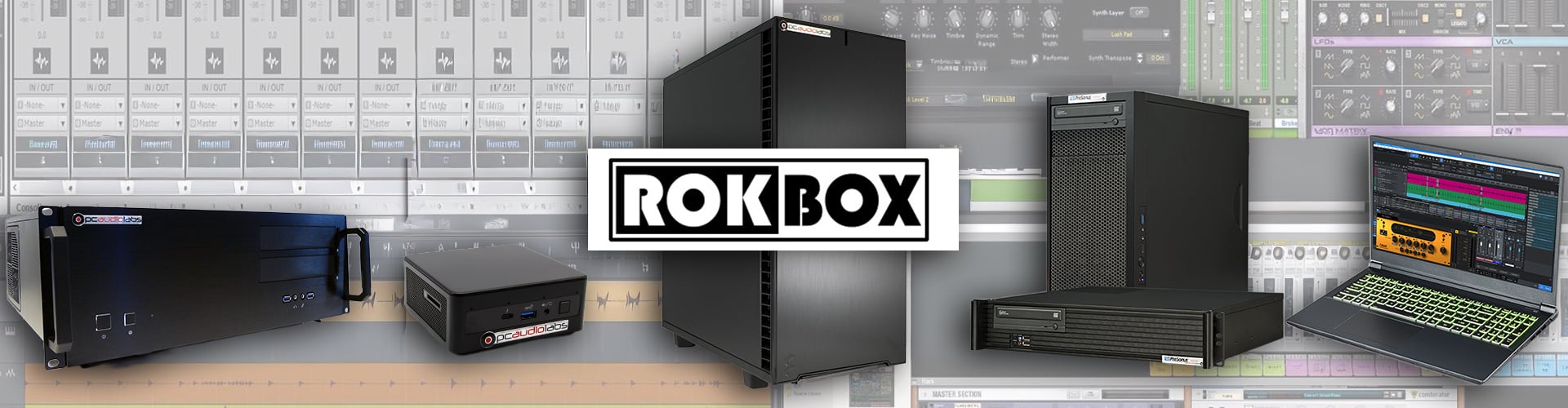
The Best PCs for Digital Audio, Video, and Content Creation and Production.
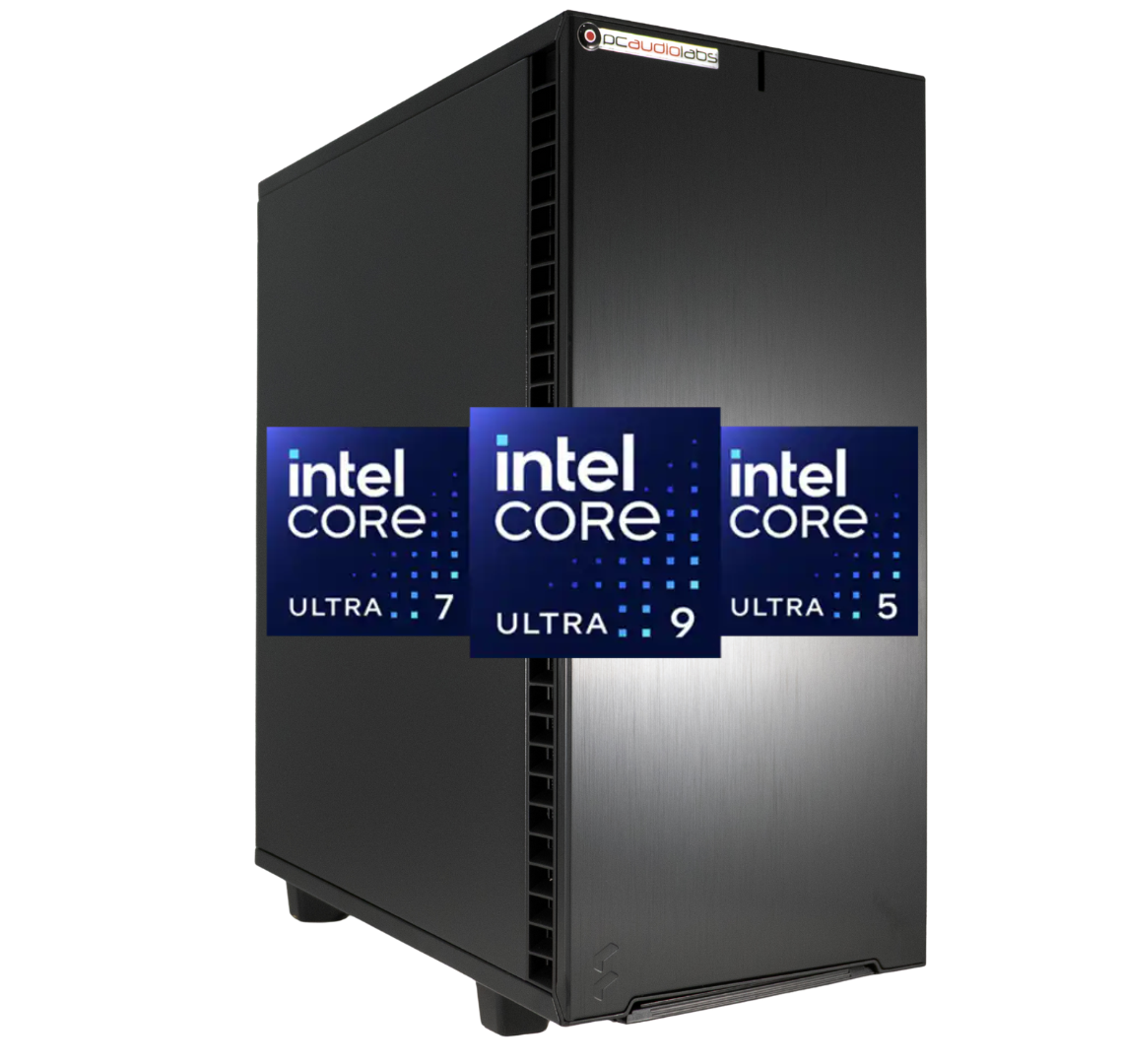
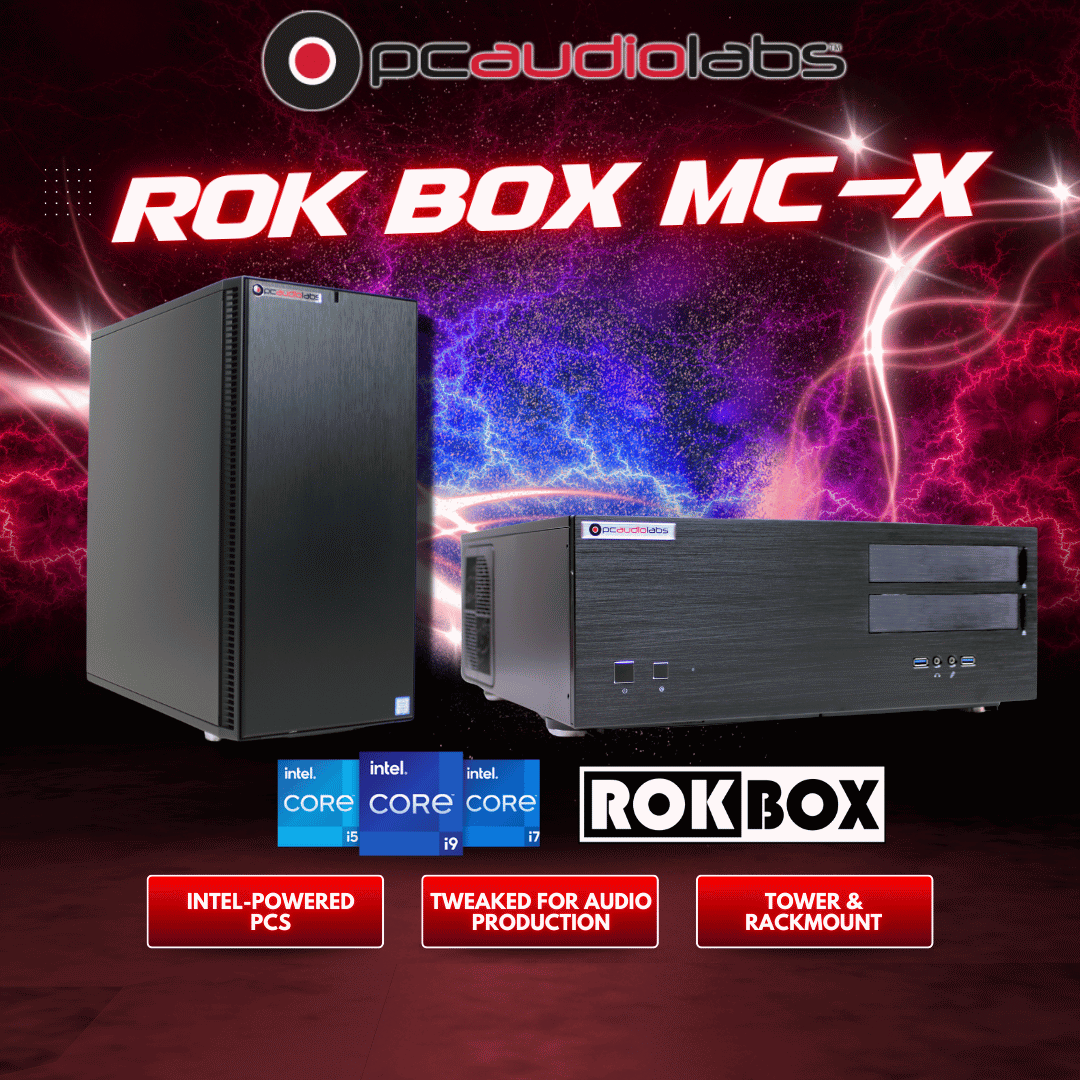
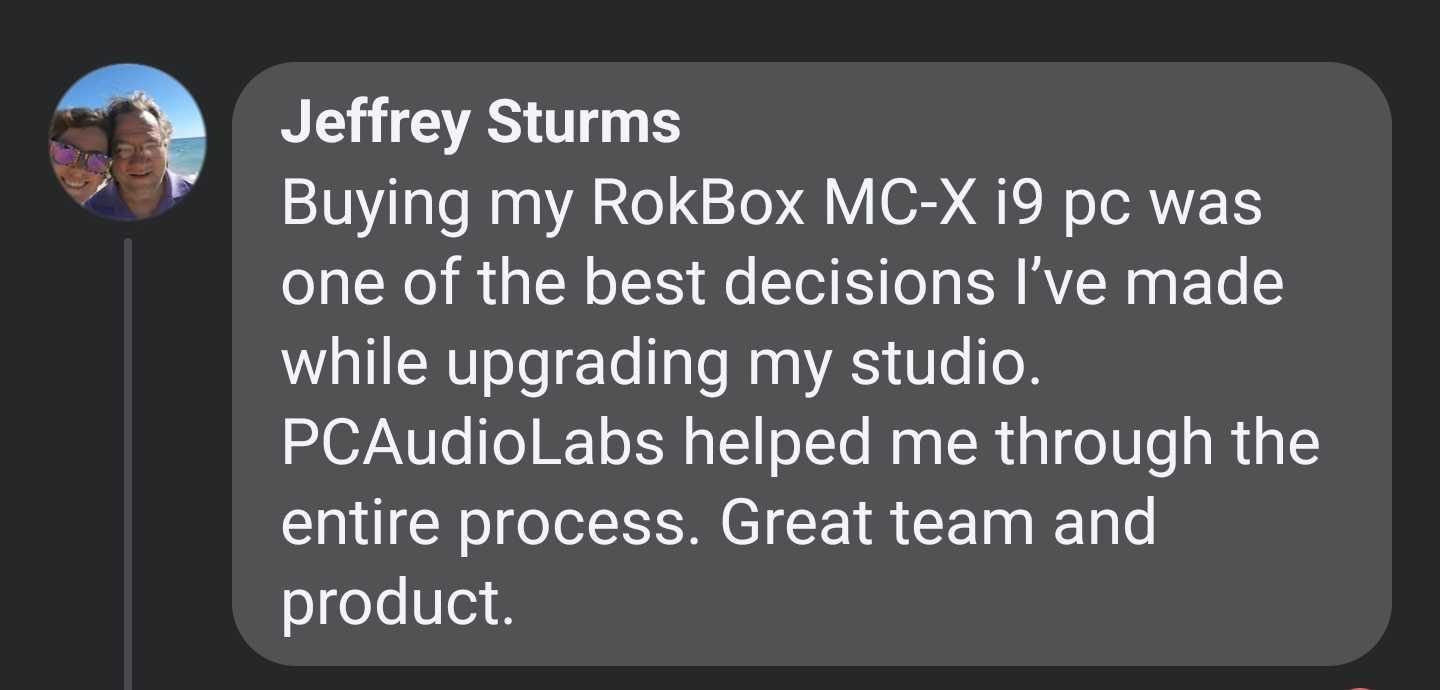
MC-X Series
Latest-Gen Intel Core Ultra High-Performance CPUs. Rackmount or Desktop.
Starting at $2699
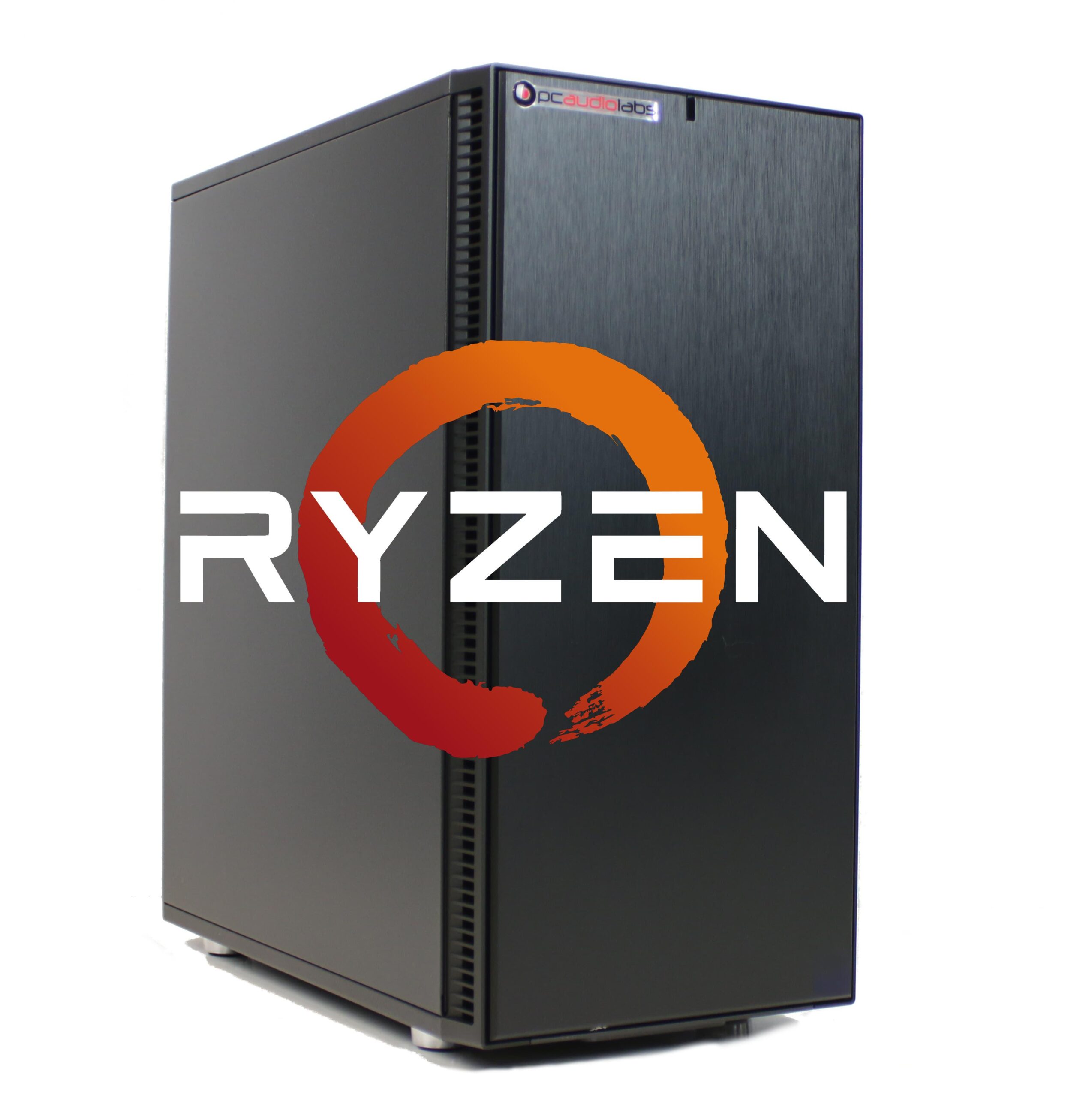
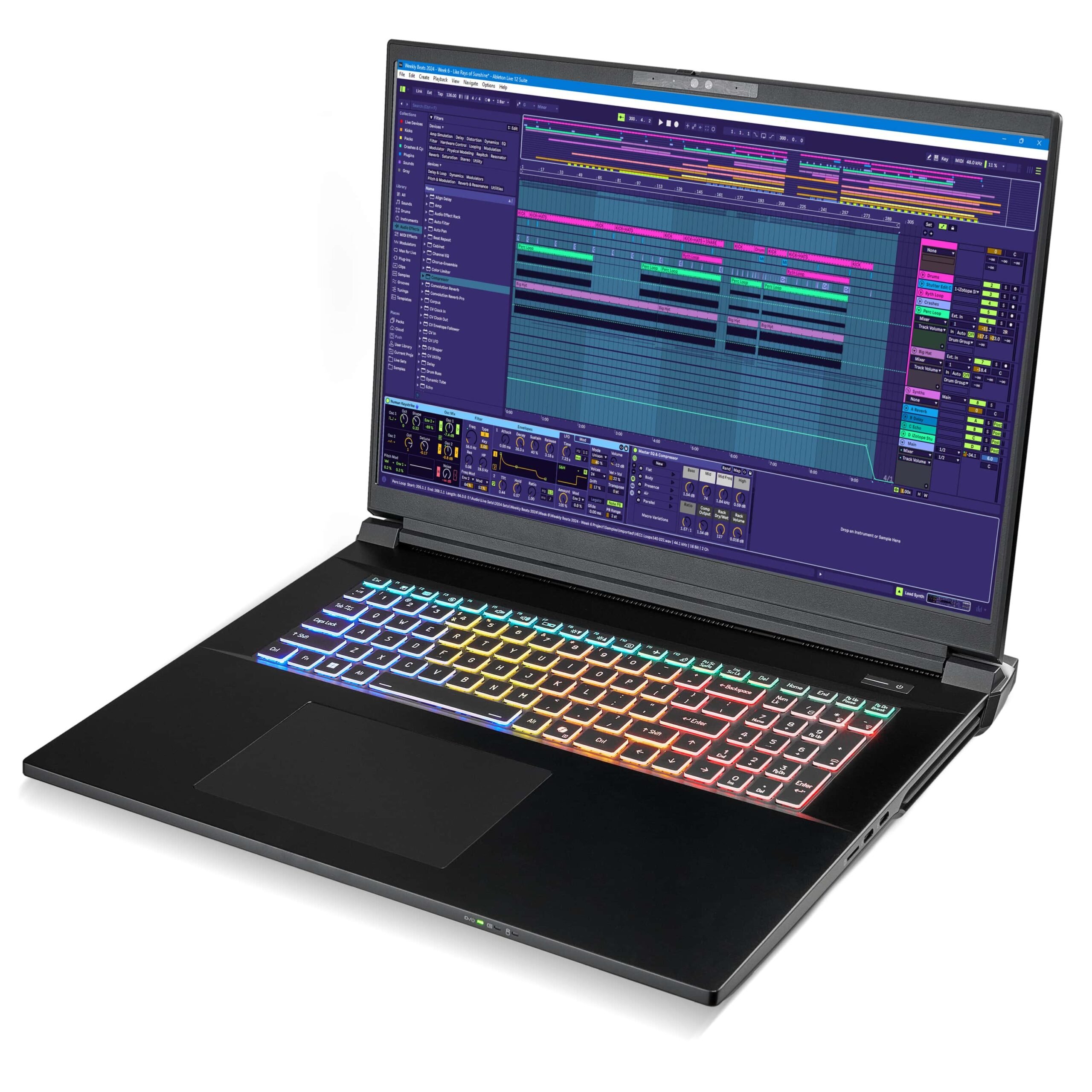
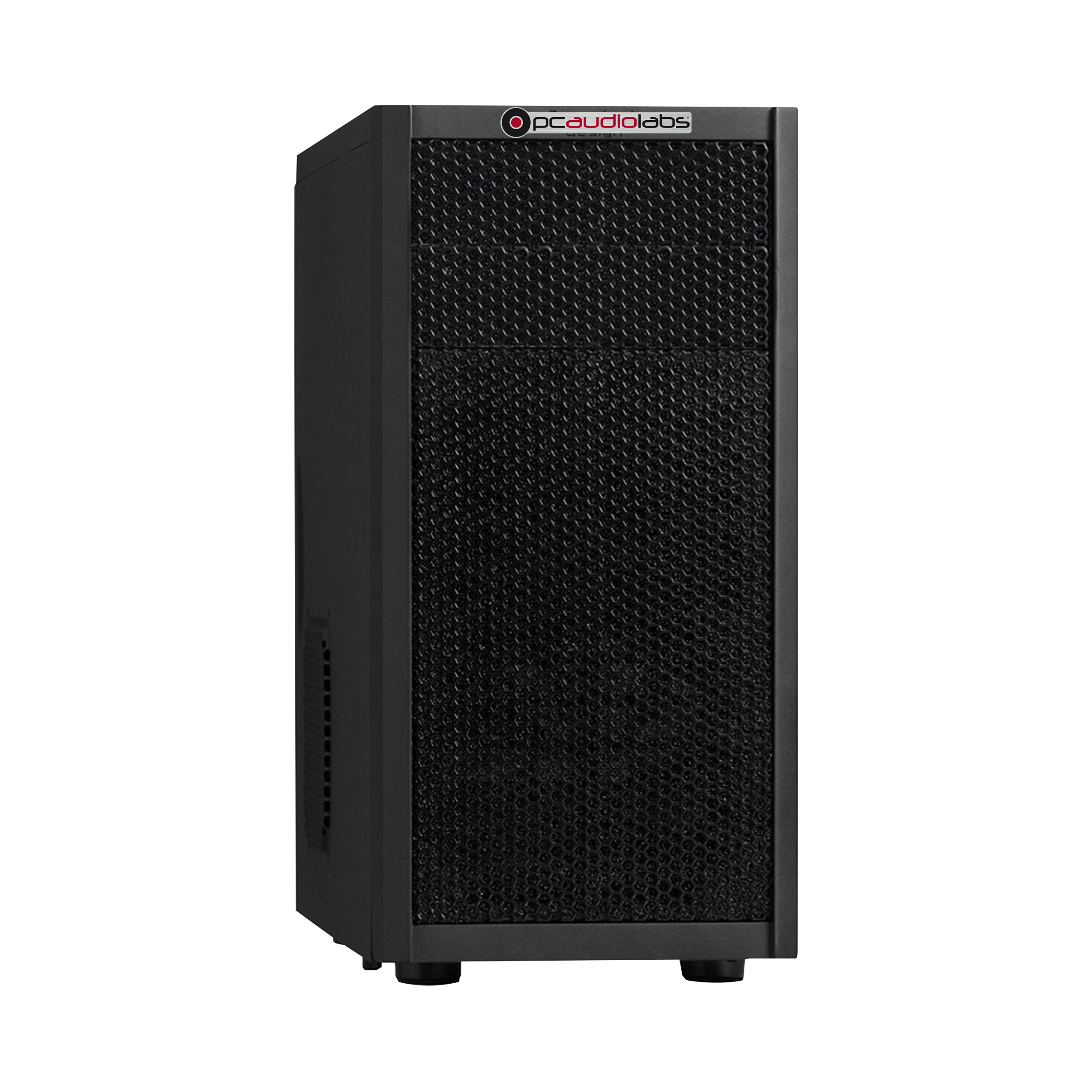
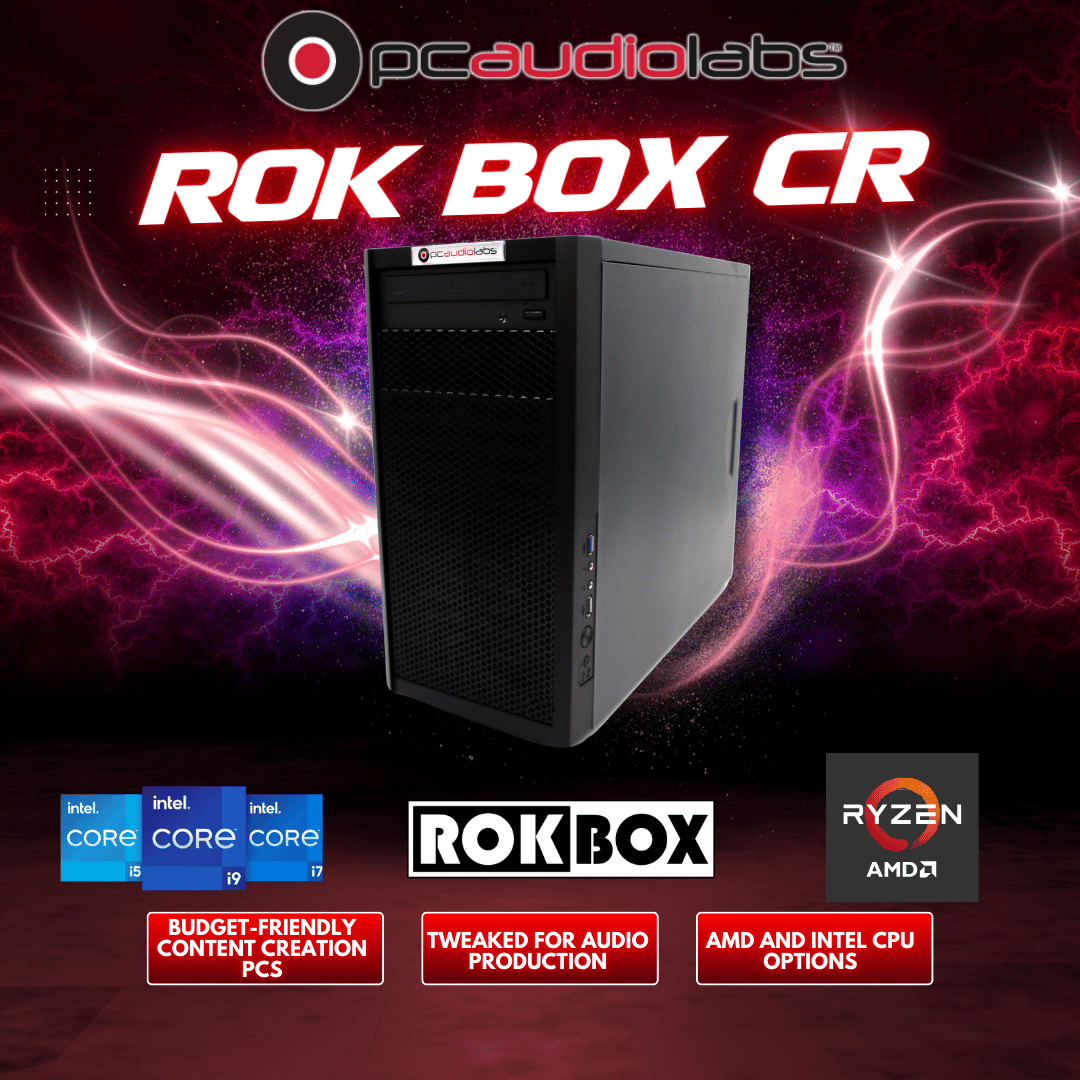
CR (Creator's Rig) Series
Intel & AMD PCs Provide Small Form Performance and Stability.
Starting at $2399
Why Choose PCAudioLabs For Your New Music Production PC?
Tuned for Performance
We say it and we mean it. PCAL tweaks applied to your custom Windows installation will unlock the power of your system for music production. Your computer's firmware will be optimized to your needs, overclocked if you wish, and fine-tuned to give you great performance. Get up to an 80% improvement in performance over off-the-shelf PCs. You'll get more tracks, more plugins instantiated, and less latency. Guaranteed.
Experience Counts
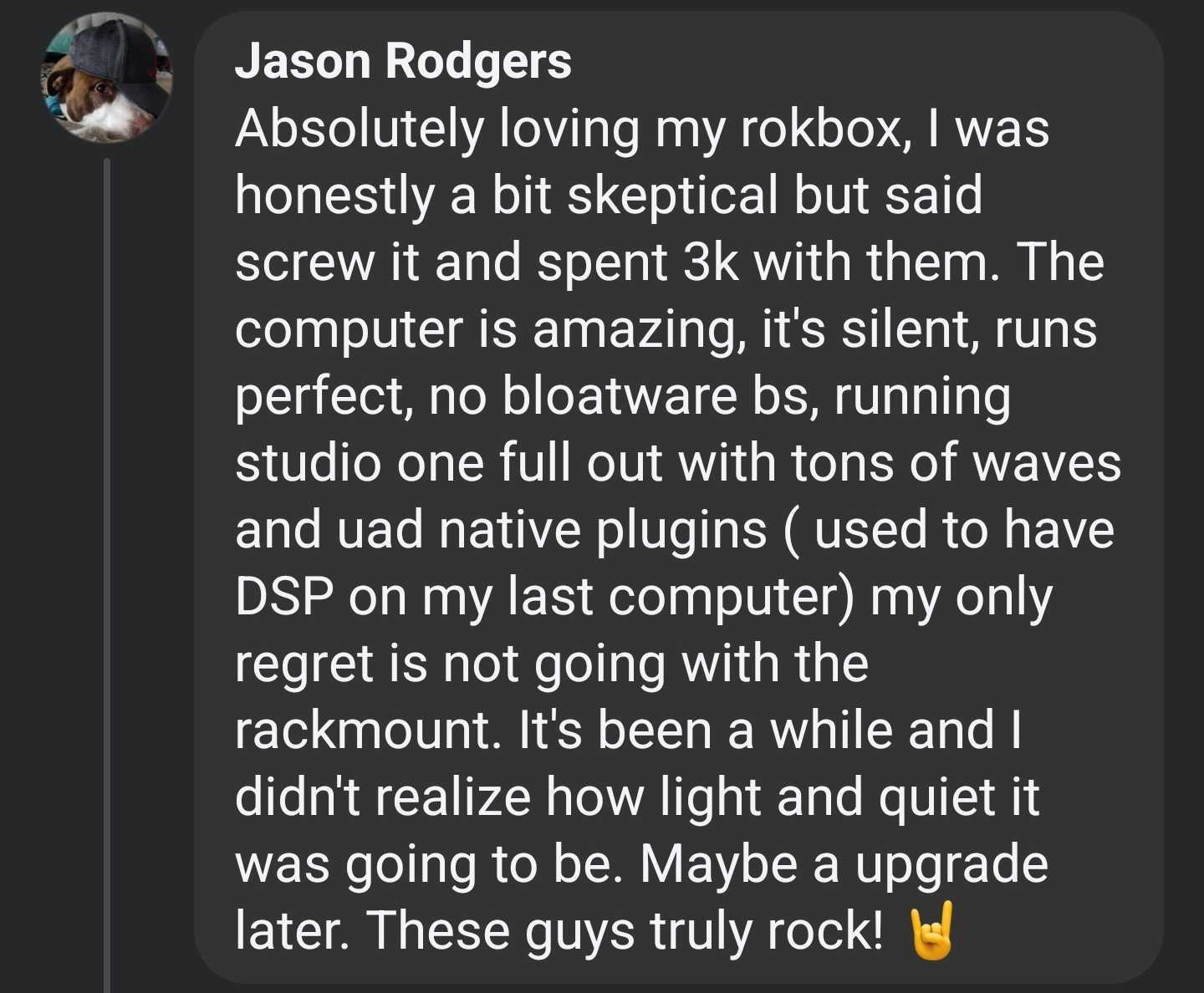
Since 2000, PCAL computers have been built specifically for Audio and Video by our team of experts. We select and test each component to ensure that it will meet the demands of your production. Each computer is assembled with a focus on performance, noise reduction, proper airflow and durability. Then it is put through a series of burn in tests and Quality Control ensuring your system arrives ready to Rok!
Rest Easy - Lifetime Support
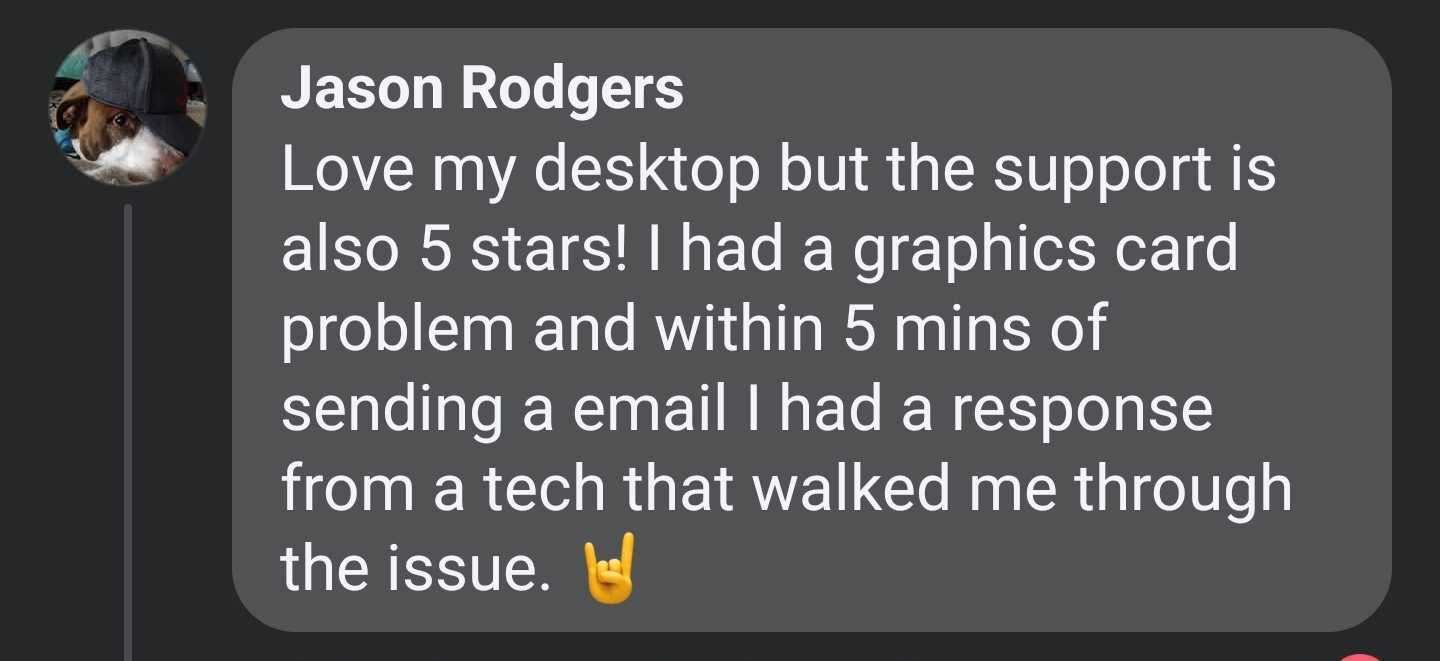
Your PCAL computer is covered for as long as you have it with our unparalleled phone and email support. If you ever have an issue, your PCAL technician is here to help! Our support is simply the BEST available in the industry and why clients come back.

OBEDIA: Taming Technology
No one else in the industry offers our OBEDIA training with your computer. Need to learn that new EQ Plugin? Want to learn more about mixing? Call us and you'll be connected with an OBEDIA technician who will work with you, one on one, to train you in using your new hardware and software. 30 minutes included with every Rok Box.
Ready to Purchase?
Ensure Flawless Operation
Don't waste your time searching for the latest drivers and updates. Let PCAudioLabs install them for you. Get three free installs of the software you own, then $25 per hour additional and for ancillary sound libraries. Customized Quotes available. Let us know your setup and requirements and we will deliver optimal installations.
The Problem: Everyday PCs Aren't Fit For Music Production.
They're loaded with bloatware, underpowered, and most of all, not tweaked for audio production. You might think that a computer is just a computer... until you run into issues using your music production software and hardware.
When that happens, try calling whichever big-box company built your PC to get help. It won't happen. Didn't you want to just make music?
The Solution: PCAudioLabs. With PCAudioLabs, your PC becomes a MC. A Musician's Computer!
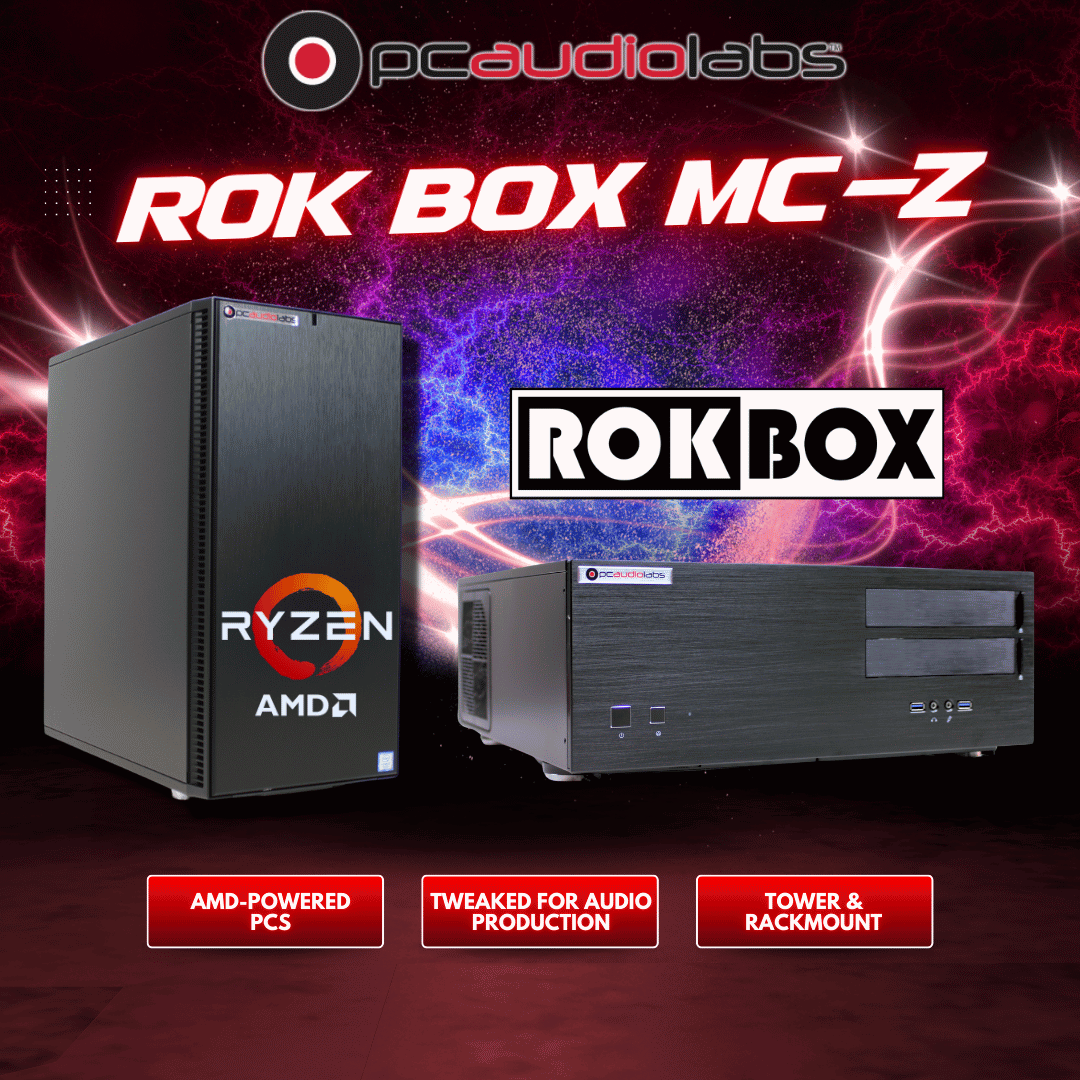
Our Rok Box line of Pro Audio PCs is the best PC for audio production. If you’re a musician, music producer content creator or Podcaster, a powerful computer is a necessary part of your workflow.
Whether using Cubase, Studio One, Pro Tools, Ableton Live, or any other Digital Audio Workstation software, PCAudioLabs' custom-built, high-end PCs are tuned for music and audio production and are guaranteed to outperform off the shelf PCs from Dell, HP, Lenovo, Alienware, and even DIY-built PCs.
If you're serious about your craft, you need a PC that takes you to the next level. PCAudioLabs' Rok Box PCs do it all.
Testimonials & REAL Customer Reviews of PCAudioLabs
Professional and Studio Owner Reviews
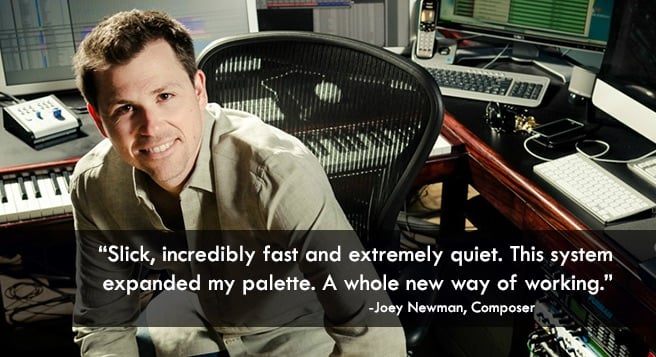
Watch Joey Newman talk about PCAudioLabs
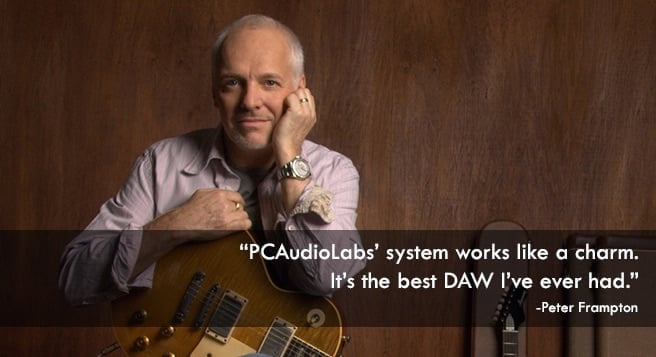
Watch Peter Frampton talk about PCAudioLabs
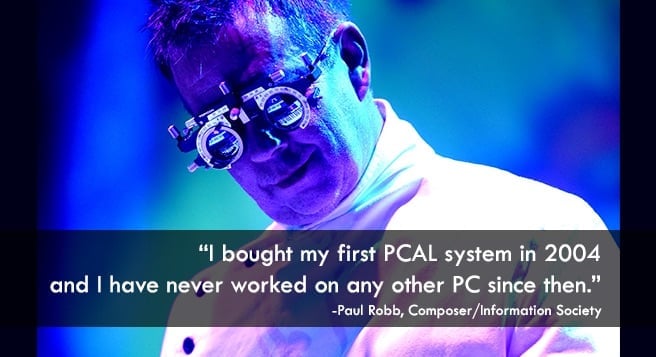
Watch Paul Robb talk about PCAudioLabs
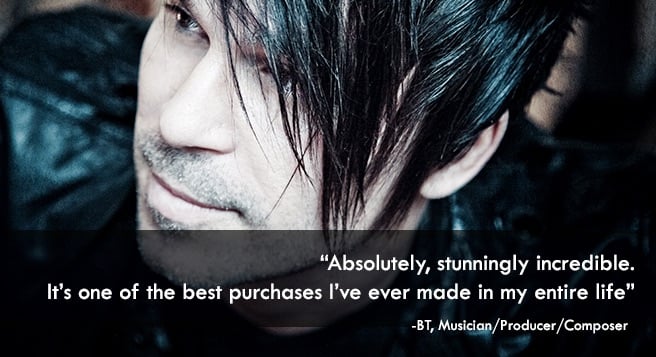
BT's Intel Video with PCAL DAW featured

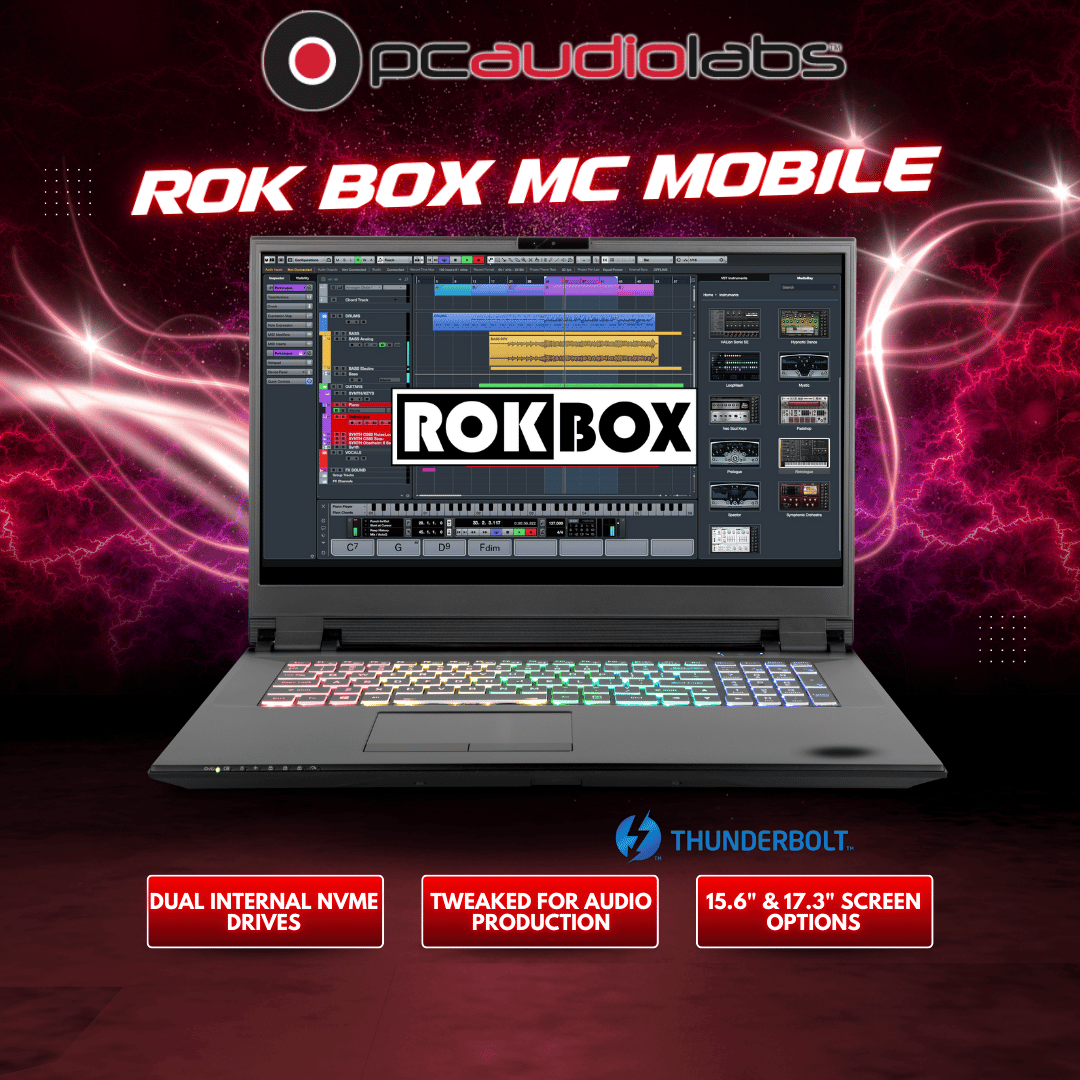
The PCAL Mobile X PRO is a professional-grade machine that is built to handle high-performance workloads and guarantees stability at every show. The build quality is great and ensures we can deliver consistent, premium-quality service at every event. Without a reliable laptop, the show literally stops.
If you're on the fence whether to get one of Brian's wonderful computers I would say, take the plunge. I have had mine for over 6 years. The service Brian provides is exceptional! Whenever I have had a problem, Brian has been there to help. I'm 70 and not real computer savvy. I just had to upgrade my GPU. I contacted Brian and he had a recommendation, plus he also provided a download link with instructions and a program to put everything in the correct location. Even I was able to accomplish that. Brian has a customer for life. I can't recommend PCAudioLabs enough.
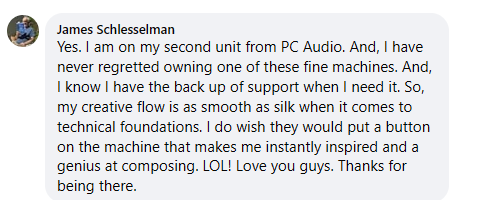
PCAudioLabs has been the backbone of my studio for years. After custom building a studio from scratch in Hoboken, I could imagine going with no one else for my computer needs. I have a RokBox rack mounted PC in addition to a laptop that is of equal power for my studio on-the-go that sacrifices absolutely nothing when compared to the desktop.
I love my new Rok Box MC Mobile X PC ! Just like my Rok Box MC X Power Desktop it is much faster and less troublesome and has tons more memory and storage than my old HP laptop for working on my mobile songwriting sessions . The best part is the GREAT customer service I receive whenever I send an email for help with things I can't figure out on my own .
I recorded with my old pc for several years and could never get through a session without audio drop outs, glitches, etc.. I now have had several long sessions with your PC and it's been absolutely flawless, a real dream come true for me and my recording buddies. Thanks again for a great product and wonderful support.
PCAudioLabs is the best place to purchase a DAW computer hands down! I compared several DAW PC builders and decided on PCAudioLabs. I'm glad I did. I've been enjoying my new system for a few weeks now and must say it's everything I wanted and more!
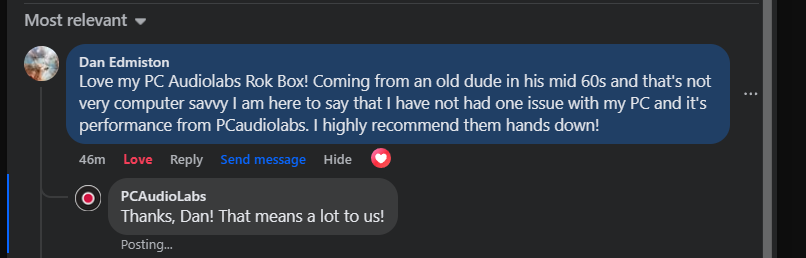
I have lived with my Rok Box for over two years and have been impressed with its performance and reliability. I would certainly replace it with another when that time comes. I spend more time on creativity and less on the technical stuff.
When planning to upgrade w/new computer & software, I looked extensively into every company providing such services. PCAudioLabs excelled in every aspect hands down, from the very best website to completion & cust. service. Thanx for being so helpful!
Integrity, excellent support and damn good product. Finally a business based on truly serving we the customers. That is rare in these times.
Thought you guys would like to know that I'm still using a dual-core build of yours from 2006 running windows XP and it's still capable of 24 track simultaneous recording, with a ton of plugins running. I've had up to 90 tracks playing before it starts to get loaded down.
Excellent product, absolutely awesome!
Frequently Asked Questions: Rok Box Pro Audio PCs
Popular Rok Box Pro Audio PCs
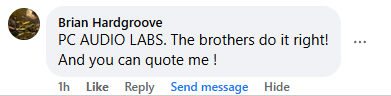
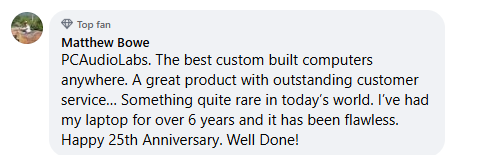
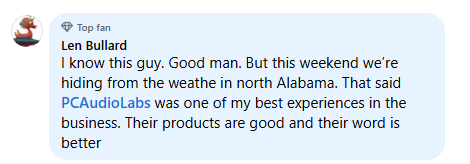
Reviews From Social Media
















Lastest Blog Posts
Why does my DAW crackle? Learn the most common causes of pops and crackles in your DAW, from buffer settings to drivers and system bottlenecks.
Find the right computer for mixing and mastering with practical advice on CPU, RAM, storage, noise, and stability for serious studio work.
Learn what separates a true content creation workstation from a standard PC, with practical guidance on performance, stability, and workflow.
Learn how to choose an audio production workstation pc for recording, mixing, and editing with the right CPU, storage, cooling, and support.